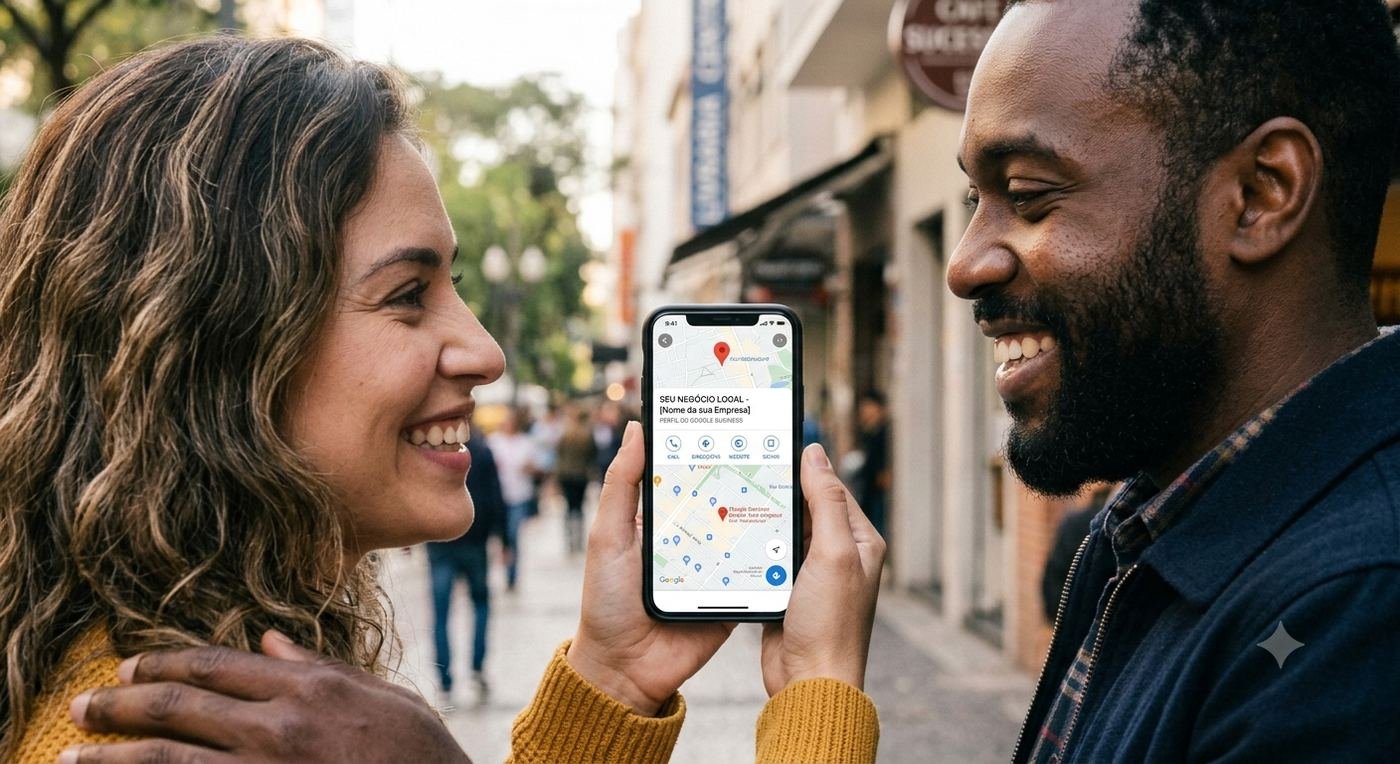



If your business isn't showing up in the Google Maps "Local Pack" — the 3 listings that appear at the top of local search results — you're missing out on the most valuable real estate on the internet. The good news? With the right strategy, any local business can rank there.
What is Google Business Profile (GBP)? It's the free tool from Google that lets you manage how your business appears on Google Search and Maps — including your hours, photos, reviews, and posts.
1. Claim and Fully Complete Your Profile
This sounds obvious, but over 50% of local businesses have incomplete GBP profiles. Google rewards completeness. Every field you fill out is a ranking signal.
- Business name, address, and phone (NAP) — must be consistent everywhere online
- Choose the most specific primary category for your business
- Add all relevant secondary categories
- Write a keyword-rich business description (750 characters max)
- Set accurate business hours, including holidays
- Add your website, booking links, and menu if applicable
2. Get More (and Better) Reviews
Reviews are one of the top 3 ranking factors for Google Maps. It's not just about quantity — Google also looks at recency, diversity, and how you respond.
How to get more reviews fast:
- Send a direct review link via WhatsApp or SMS right after a purchase
- Add a QR code at your checkout counter or on receipts
- Ask happy customers face-to-face and make it easy for them
- Reply to every review — positive and negative — within 24 hours
💡 Pro tip: When responding to reviews, naturally include your keywords. Example: "Thank you for trusting our hair salon in Miami for your highlights!"
3. Post Consistently to Your GBP
Most businesses don't know that Google Business Profile has a social posting feature — and Google rewards those who use it. Posting 3x per week keeps your profile active and signals to Google that your business is engaged.
Good post types include: promotions, new products or services, events, tips, and behind-the-scenes content.
4. Add High-Quality Photos Regularly
Profiles with photos receive 42% more requests for directions and 35% more clicks to their website. Upload at least 10 photos to start, and keep adding new ones monthly.
- Exterior photos (so customers can recognize your location)
- Interior photos (build trust before they arrive)
- Team and product photos
- Virtual tour (the #1 engagement driver on Maps)
5. Build Local Citations
A "citation" is any online mention of your business Name, Address, and Phone number (NAP). The more consistent citations you have across the web, the more Google trusts your business is real and located where you say it is.
Start with: Yelp, Bing Places, Apple Maps, Facebook, Yellow Pages, and any local business directories in your city.
6. Use Keywords Strategically
Think about what your customers are actually typing into Google. "Best pizza near me", "emergency plumber in [city]", "hair salon open Sunday" — these are the phrases you want your profile to be associated with. Use them naturally in your business description, posts, and review responses.
Want Us to Do This For You?
Our team manages Google Business Profiles for local businesses across the USA — handling posts, reviews, photos, and full optimization every month.
Get a Free GBP Audit →